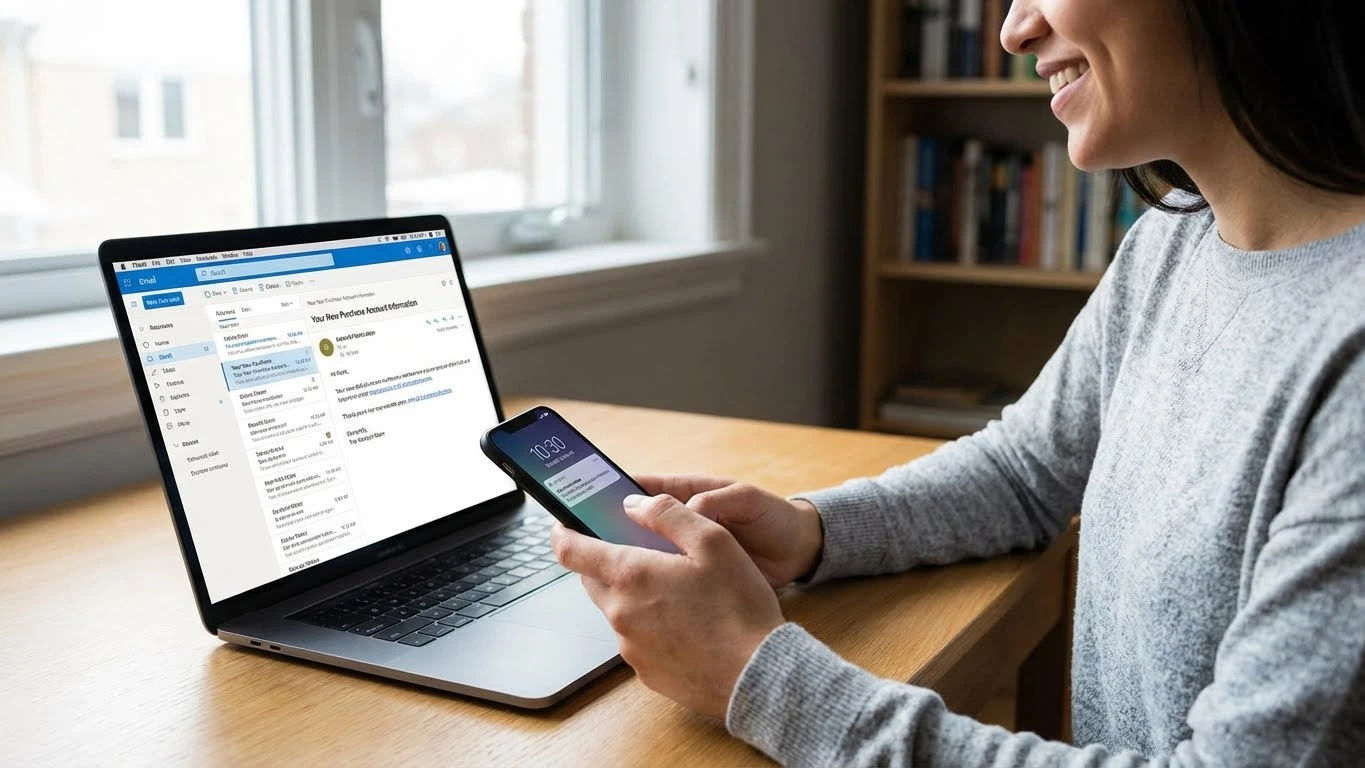
Follow these simple steps to purchase premium accounts at EmpireTech
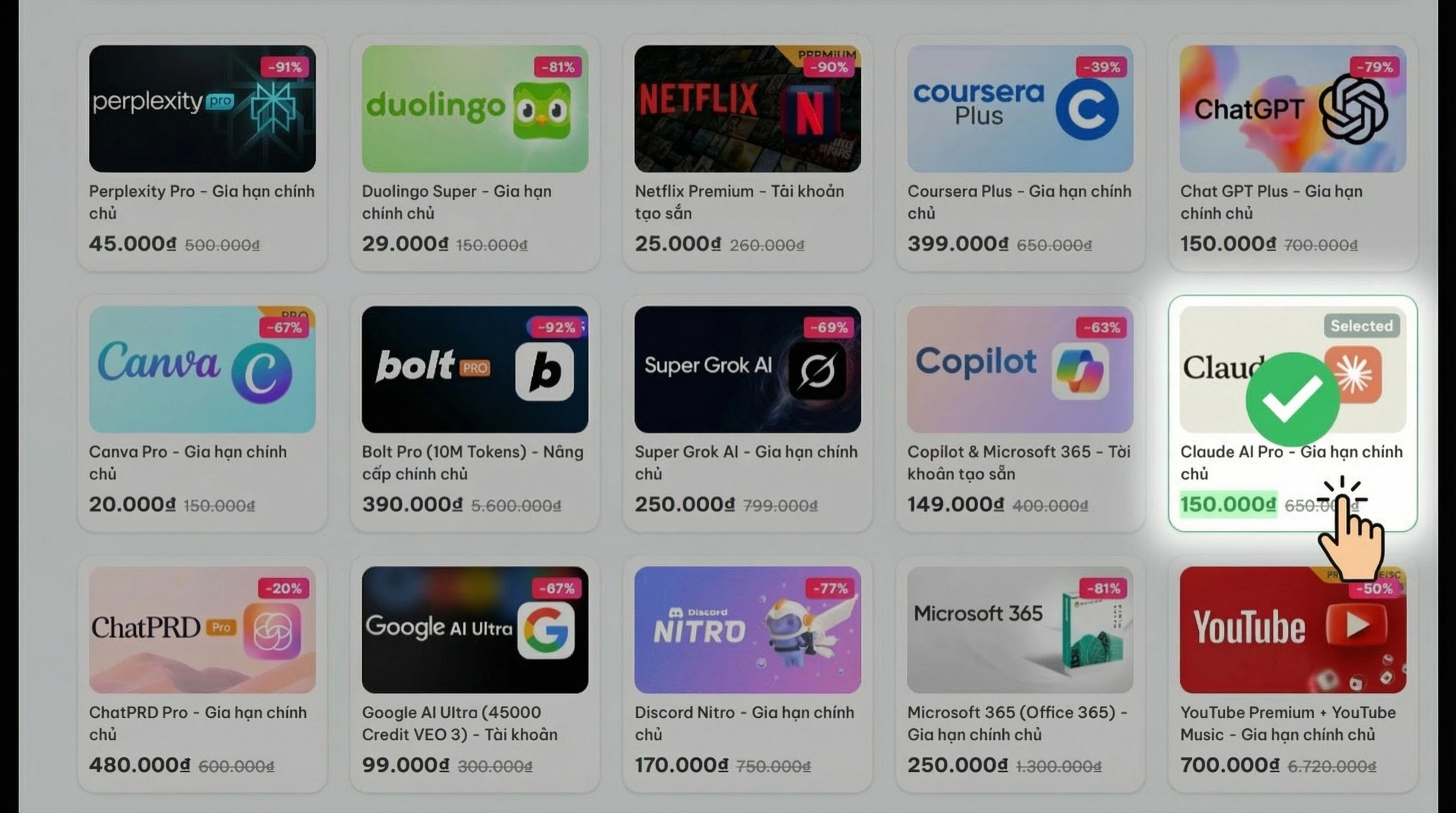
Browse our catalog or use the search bar to find the service you need. Click 'Buy Now' to proceed immediately or 'Add to Cart' if you want to buy multiple items.
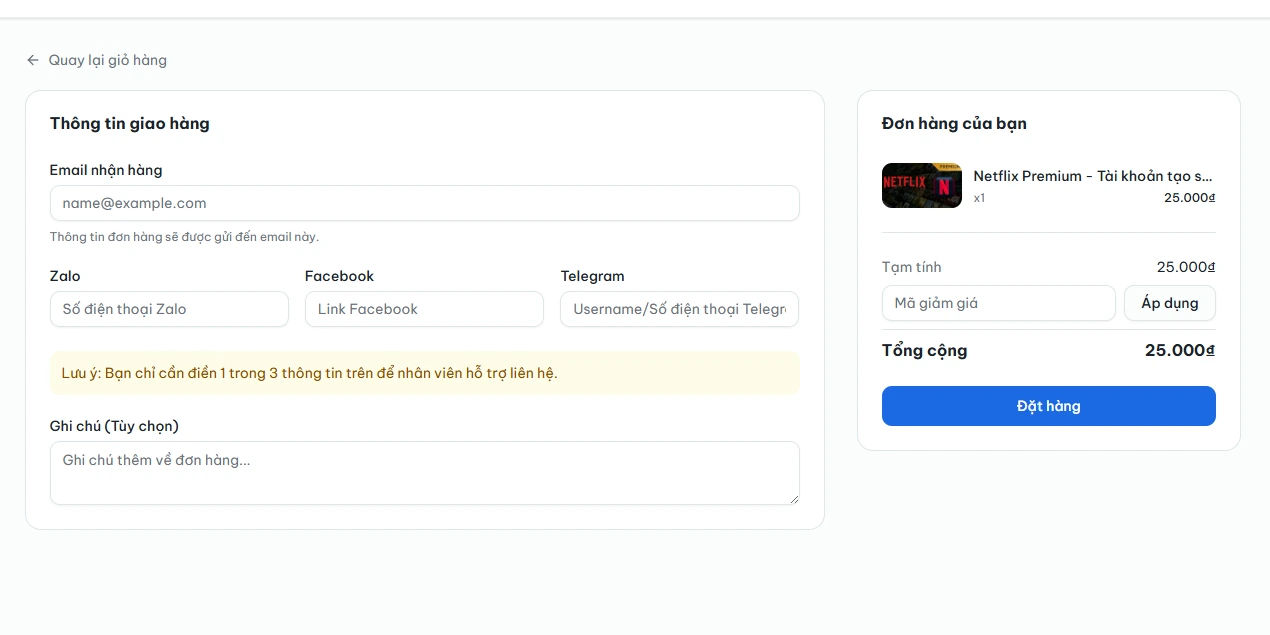
Check your order details in the cart. Enter any discount code if you have one, then proceed to checkout.
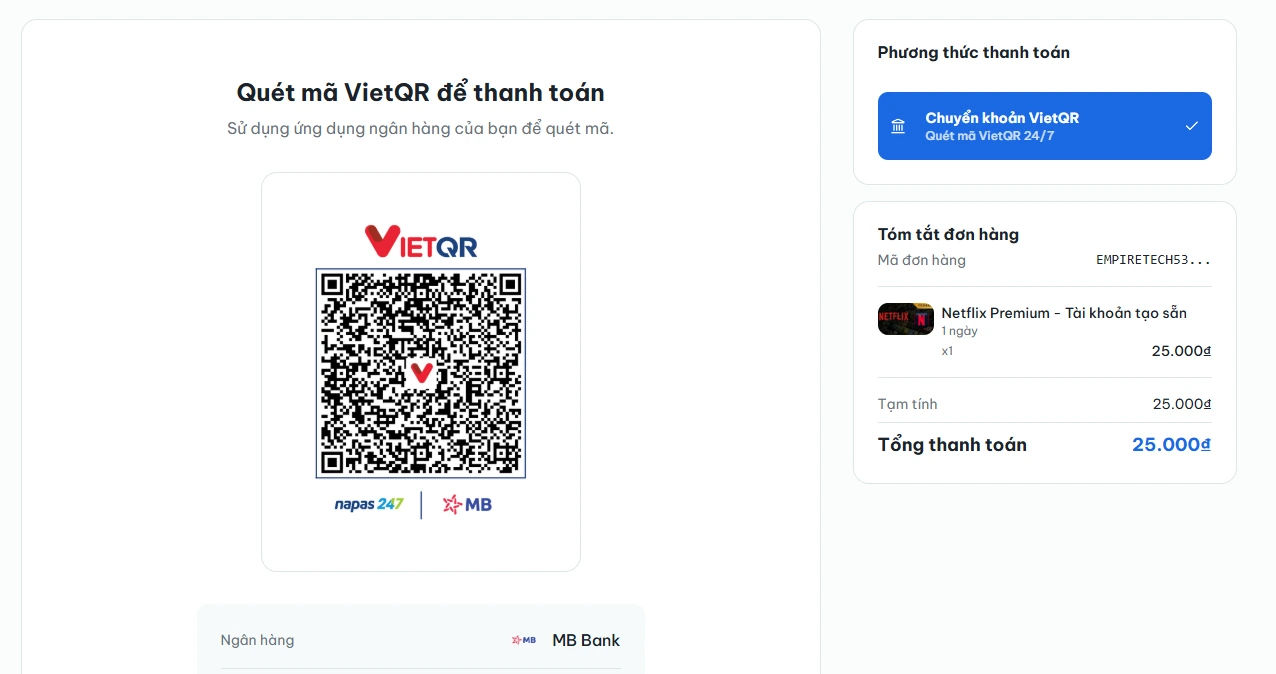
Choose your preferred payment method (Bank Transfer or QR Code). Complete the payment following the instructions on the screen.
Once payment is confirmed, the system will automatically send the account details to your email or display them in your 'Order History' instantly.