
Warning: Malicious ChatGPT Extensions That Can Steal Your Account
Security warning about ChatGPT-related browser extensions that may steal login tokens, chat history, and personal data.
Warning: 16 malicious ChatGPT extensions you should remove immediately
Recently, many browser extensions claiming to enhance ChatGPT (prompt managers, voice downloaders, chat tools, etc.) have appeared across extension stores. While they look useful and professional, some of them pose serious security risks.
These extensions may steal authentication tokens, chat history, and personal data as soon as you log in to ChatGPT.
- Installing just
- one malicious extension
- can give attackers full control over your ChatGPT browser session.
Common signs of dangerous ChatGPT extensions
Most extensions in this group share similar patterns:
- Very similar names and branding (often labeled as ChatGPT Mods)
- Polished descriptions and feature-rich promises
- Deep access permissions to
chat.openai.com - Immediate activity once you log in
- Many of these extensions appear to be
- built on the same backend system
- , only changing names and icons to avoid detection.
List of 16 ChatGPT extensions you should remove now
- ChatGPT Folder, Voice Download, Prompt Manager – ChatGPT Mods
- ChatGPT Voice Download, TTS Download – ChatGPT Mods
- ChatGPT Pin Chat, Bookmark – ChatGPT Mods
- ChatGPT Message Navigator, History Scroller – ChatGPT Mods
- ChatGPT Model Switch, Save Advanced Model Uses – ChatGPT Mods
- ChatGPT Export (Markdown, JSON, Images) – ChatGPT Mods
- ChatGPT Timestamp Display – ChatGPT Mods
- ChatGPT Bulk Delete, Chat Manager – ChatGPT Mods
- ChatGPT Search History, Locate Messages – ChatGPT Mods
- ChatGPT Prompt Optimization – ChatGPT Mods
- Collapsed Message – ChatGPT Mods
- Multi-Profile Management & Switching – ChatGPT Mods
- Search with ChatGPT
- ChatGPT Token Counter
- ChatGPT Prompt Manager, Folder, Library, Auto Send
- ChatGPT Mods – Folder, Voice Download & More Free Tools
What should users do right now?
- If you have any of the extensions listed above installed,
- remove them immediately
- .
- Recommended steps:
- Open your browser’s extension manager
- Review all ChatGPT-related extensions
- Remove any extension matching the list above
- Log out of ChatGPT and log in again
- Only install extensions from
- trusted developers
- , preferably open-source or widely reviewed by the community.
Final thoughts
Browser extensions can improve productivity, but unverified ChatGPT extensions can seriously compromise your security. Always prioritize data safety over convenience, especially when dealing with AI tools and authenticated sessions.
📌 Check your browser today to avoid account theft and data leaks.
Related Products
Related Posts
Update on Credit in Google Ultra Package – June 20, 2026
Many customers are confused because AI credit in the Google Ultra package shows as 0. This is Google's new policy update: credit is split into 2 types (AI credit and Flow credit). When purchasing the current package, AI credit = 0, only Flow credit remains for creating videos and images. This is not a system error. Check your credit at: one.google.com/ai/activity
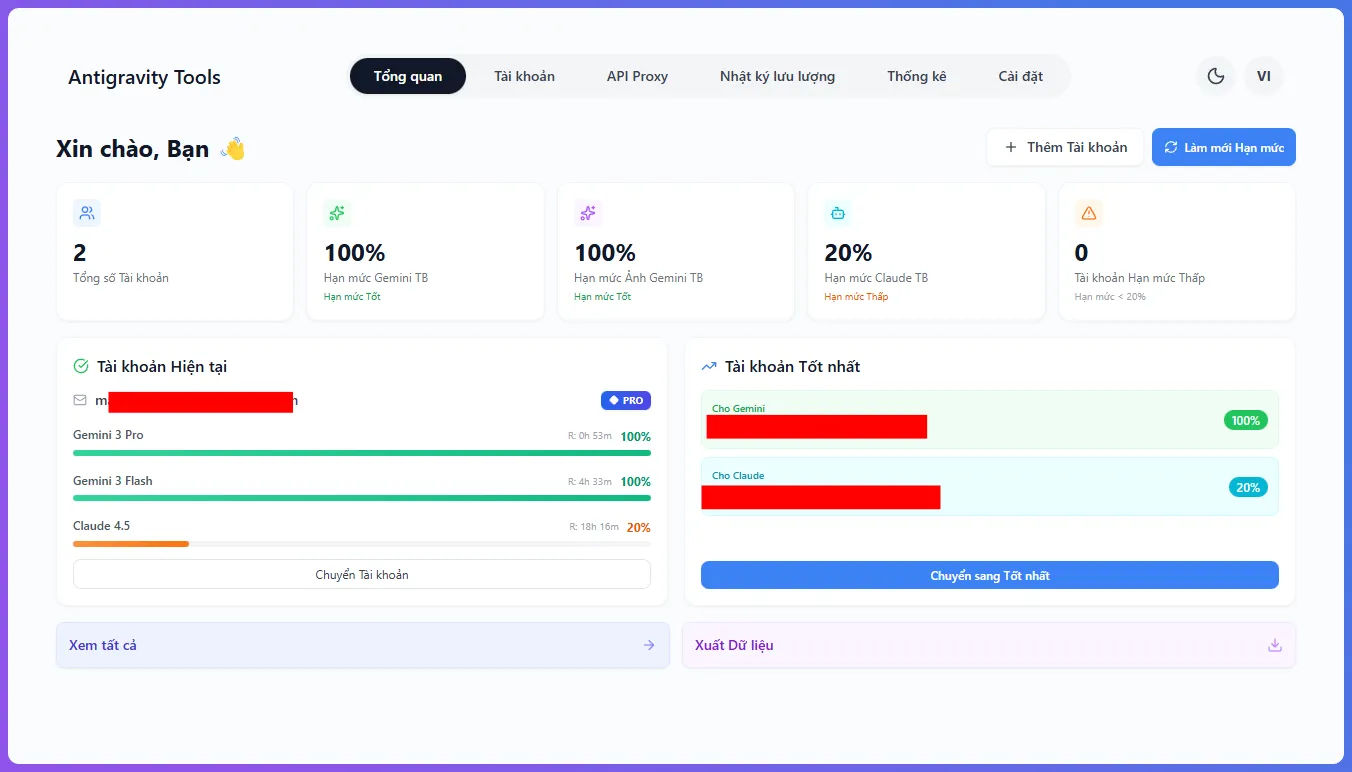
Antigravity Manager – Open-Source Google Account Manager for AI IDE
Antigravity Manager is an open-source desktop tool for managing multiple Google accounts in Antigravity IDE and modern AI workflows.
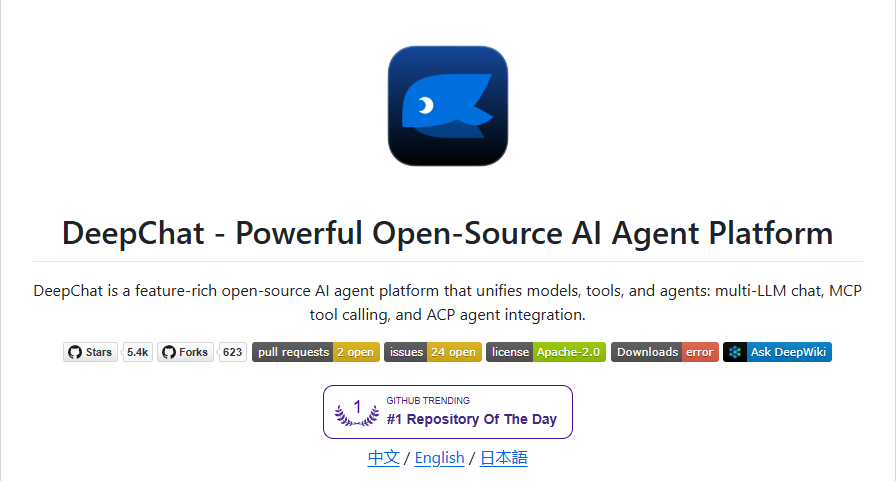
DeepChat - Bringing the Power of AI into Your Workspace
Discover DeepChat - an open-source AI Agent platform supporting multi-models from tech giants like OpenAI, DeepSeek, Gemini, and Claude, to local models like Ollama. With a stunning interface and tool integration via MCP/ACP, DeepChat is the ultimate assistant for developers