
Best Budget AI IDEs in 2026: VS Code + Copilot, Cursor, Windsurf, Zed, Replit, Codex and More
A practical roundup of budget-friendly AI IDEs in 2026: features, pricing, pros/cons, and quick recommendations for solo devs, teams, and learners.
Budget AI IDEs in 2026: Why you should upgrade your IDE with AI
If you code regularly, AI inside your IDE is no longer a “nice-to-have.” In 2026, AI tools go beyond autocomplete: they behave more like agents that can understand your repo, edit multiple files, refactor, and help review changes.
This article focuses on tools that are good value for money—easy to start, predictable pricing, and actually useful in day-to-day development.
How to pick a budget AI IDE (so you don’t waste money)
Use these quick criteria:
-
Pricing + limits: free tier? monthly quota? credits/tokens? overage costs?
-
Agent quality: multi-file edits, repo awareness, background tasks, long-running work.
-
Ecosystem: are you staying in VS Code / JetBrains, or okay with a separate editor?
-
Privacy & team controls: org settings, SSO/RBAC, data policies.
-
What “budget” means for you:
- Learners/solo: free tier + BYOK (bring your own API key) can be the best deal.
- Freelancers: ~$10–$20/month is usually the sweet spot.
- Teams: pay per seat only if you need admin/SSO/analytics.
Quick comparison table (pricing overview)
- Prices can change over time. Always double-check official pricing pages before subscribing.
- | Tool | Type | “Budget” Price | Strength | Common drawback |
- | ------------------ | ----------------- | ------------------------------: | ------------------------------------------ | -------------------------------------- |
- | VS Code + Copilot | Extension | Pro
- $10/mo
- | Stable, popular, VS Code-native | Quotas/limits depend on plan |
- | Cursor | Standalone editor | Pro
- $20/mo
- | Strong agent, big context, background work | Costs more than typical extensions |
- | Windsurf | Standalone editor | Pro
- $15/mo
- | Credit-based, good value, agentic workflow | Must manage credit usage |
- | Zed | Standalone editor | Pro
- $10/mo
- | Fast, minimal, BYOK-friendly | AI experience varies by setup |
- | Replit | Web IDE | Core
- $20/mo (annual)
- | MVP-to-deploy workflow | More “builder platform” than local IDE |
- | Amazon Q Developer | Extension/CLI | Pro
- $19/mo/user
- | Great for AWS workflows | Best value if you live in AWS |
- | Codex (app/agents) | App + agent | Waitlist / limited availability | Agent-first approach | Availability may vary by OS/region |
VS Code + GitHub Copilot (the “default best value”)
VS Code logo
If you already live in VS Code, Copilot is often the easiest “budget upgrade.”
Pricing note
Copilot provides multiple plans; the most common personal plan is Copilot Pro (~$10/month).
Quick setup (VS Code)
- Install Copilot and Copilot Chat extensions.
- Optionally tune inline suggestions in settings:
{
  "github.copilot.enable": {
    "*": true,
    "markdown": false,
    "plaintext": false
  },
  "editor.inlineSuggest.enabled": true
}
Copilot is a great “cheap and stable” choice if you want minimal workflow change.
Cursor (best if you want a powerful agent)
Cursor logo
Cursor is a VS Code–style editor with a strong reputation for agentic coding: multi-file changes, refactors, and longer tasks.
When the $20/month plan is worth it
- You do frequent refactors across many files
- You want AI to work in the background while you review diffs
- You prefer an “AI-first editor” rather than extensions
Windsurf (great value with clear credit-based pricing)
Windsurf focuses on a credit system that can be easier to budget than open-ended token usage.
Who it’s best for
- Solo devs who want an “agentic editor” without paying Cursor prices
- Small teams that need predictable monthly cost
If you go with credits, track your usage for the first week so you don’t run out unexpectedly.
Zed (fast, minimal, BYOK-friendly)
Zed is known for performance and simplicity. Its AI workflow works well if you like:
- a clean editor
- fast navigation
- optional BYOK (bring your own API key)
Why it can be “budget”
- Lower monthly cost
- More control over AI spend if you use BYOK
Replit (web IDE for shipping MVPs fast)
Replit shines when you want to go from idea → working app → deployment quickly in the browser.
Best for
- Rapid prototyping
- Demos and MVPs
- Teams that don’t want to manage local environments
Replit is more of a “build & ship platform” than a traditional local IDE.
Amazon Q Developer (best if you’re AWS-heavy)
If your daily work is deeply tied to AWS (infra, security, migration), Amazon Q Developer can be a smart investment.
Trade-off
If you’re not AWS-focused, you may not get the full value.
Codex (agent-first coding experience, availability may vary)
OpenAI logo
Codex tools (apps/agents) are designed around the idea of delegating coding tasks to agents—run tasks, review diffs, iterate.
Why it may be interesting
- You want AI to “take a task” instead of just answering questions
- You like workflows built around reviews and task queues
Codex availability (desktop apps, waitlists, supported OS) may change—check the official page before planning around it.
“Worth trying” list: Antigravity, Kiro, Trae, Qoder
You listed these tools, so here’s how to position them in your roundup:
Antigravity (open-source, multi Google accounts for IDE workflows)
- Designed for users managing multiple Google accounts inside an IDE workflow
- Open-source, customizable for teams and advanced users
Kiro / Trae / Qoder (newer alternatives to evaluate)
(You can replace these placeholders with official logos/screenshots later.)
How to test these tools quickly:
- Can it do multi-file edits reliably?
- Does it understand a larger codebase (real repo context)?
- Can it handle long tasks without breaking your workflow?
Which budget AI IDE should you choose?
1) Learners / low budget / want free-first
- Zed (BYOK-friendly)
- Windsurf free tier (if credits are enough)
- Copilot free tier (if available and sufficient)
2) Solo devs / freelancers who want best ROI
- Copilot Pro (~$10): stable and simple
- Windsurf Pro (~$15): strong value with credits
- Cursor Pro (~$20): best if you want a powerful agent
3) MVP builders who want to ship fast
- Replit (browser-to-deploy workflow)
4) Teams with admin needs
- Choose based on: SSO, seat pricing, privacy controls, and audit features
Budget checklist: don’t pay for AI you won’t use
- Set a monthly limit (credits/tokens/requests).
- Don’t grant full permissions to unknown plugins/tools.
- Check privacy settings for team/org usage.
- Measure real gains: test the same 3 tasks for a week (bugfix, refactor, tests).
Related Products




Related Posts
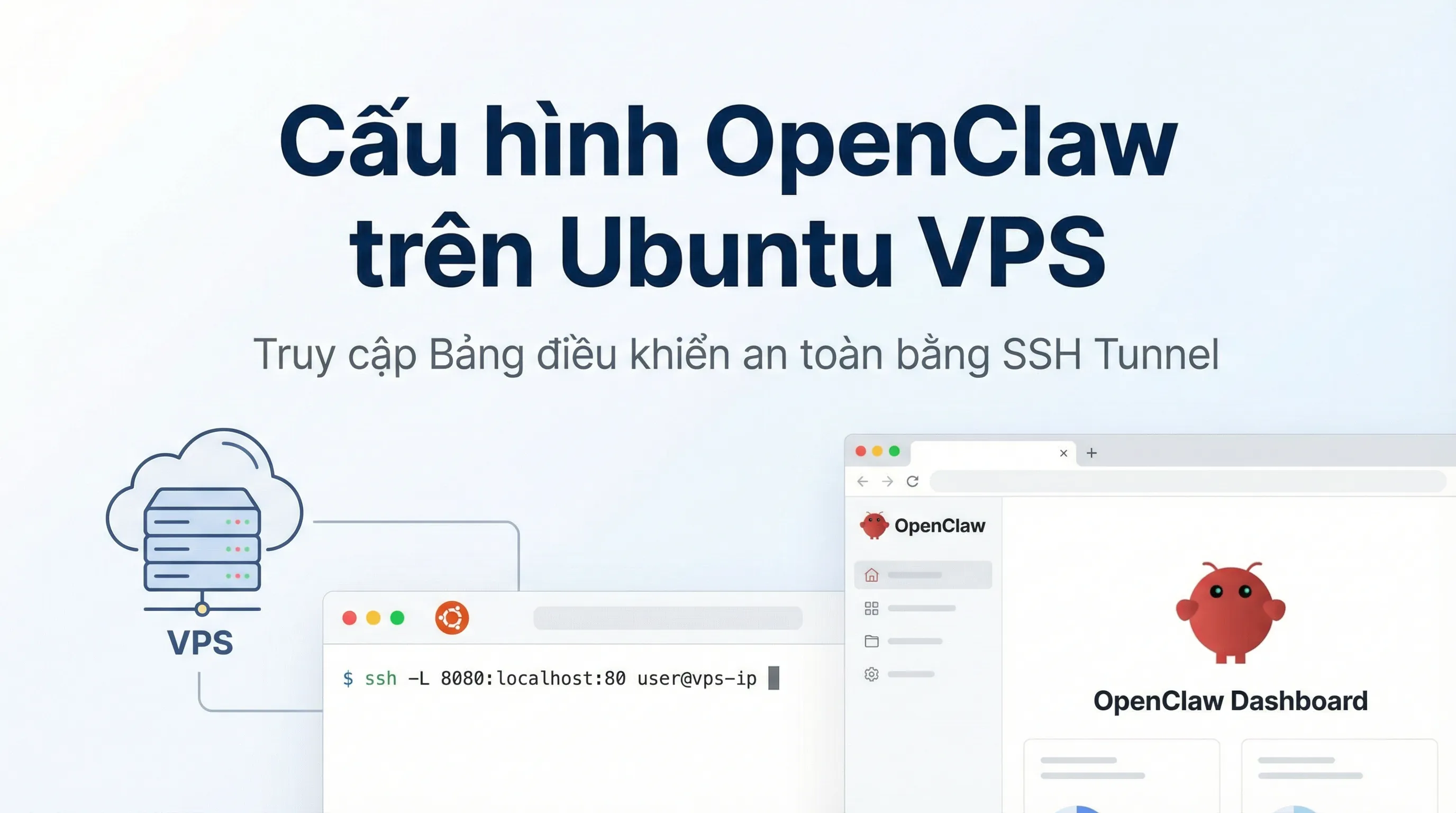
How to Install OpenClaw on Ubuntu VPS: Configuration & Dashboard Access
A step-by-step guide to installing OpenClaw on Ubuntu VPS. Learn how to handle headless authentication and access the Dashboard securely via SSH Tunneling.

LobeHub Explained: Centralized AI Management & Multi-Model Workflows
LobeHub is an open-source AI workspace that centralizes multiple models, agents, and plugins to build scalable, automated AI workflows.

Google Stitch Explained: AI Tool Turning Ideas into Interactive UI/UX & Code
Google Stitch is an AI-powered tool from Google Labs that transforms text or sketches into interactive UI/UX designs and production-ready code.

What Is ClawdBot? A Personal Multi-Platform AI Assistant & Self-Hosting Guide
ClawdBot is an open-source AI Agent running on Telegram, Discord, and Web. A complete guide to deploying ClawdBot on Raspberry Pi, Proxmox, and VPS.