
Google Stitch Explained: AI Tool Turning Ideas into Interactive UI/UX & Code
Google Stitch is an AI-powered tool from Google Labs that transforms text or sketches into interactive UI/UX designs and production-ready code.
Google Stitch Explained: AI That Turns Ideas into UI/UX and Code
Google Stitch is an AI-powered UI/UX design tool developed by Google Labs, designed to transform text descriptions or hand-drawn sketches into interactive user interfaces and real, usable code in just minutes.
Instead of manually going through multiple tools such as Figma, prototyping software, and frontend frameworks, Google Stitch compresses the entire workflow into a single AI-driven experience.
What makes Google Stitch special?
Generate UI from natural language prompts
With Google Stitch, you can describe your idea in plain English—such as “a minimal dashboard with a sidebar, charts, and a settings page”—and the AI will instantly generate a complete UI layout.
This significantly reduces the gap between concept and implementation.
Convert sketches and wireframes into digital UI
Google Stitch doesn’t stop at text. It can also analyze uploaded sketches, wireframes, or screenshots and convert them into structured, editable UI designs.
This feature is especially useful for designers who prefer brainstorming on paper before moving to digital tools.
Build interactive prototypes, not static mockups
One of the biggest advantages of Google Stitch is its ability to generate interactive prototypes.
Instead of static images, you get:
- Clickable elements
- Page navigation
- User flow simulation
This allows teams to validate UX ideas before writing a single line of code.
Export to Figma or frontend code
Google Stitch export code
Once your design is ready, Google Stitch allows you to:
- Export designs directly to Figma
- Generate HTML, CSS, or React code
- Hand off clean assets to developers
This bridges the traditional gap between design and development.
Why Google Stitch matters for designers and developers
Traditionally, building a product UI looks like this:
Idea → Wireframe → Design → Prototype → Frontend code
With Google Stitch, the workflow becomes:
Idea (text or sketch) → Interactive UI → Production-ready code
Key benefits
- 🚀 Faster UI prototyping
- 🎨 Less manual design work
- 💻 Reduced frontend implementation time
- 🧠 Easier experimentation with multiple ideas
- 👩💻 Accessible to non-designers
Quick comparison: Google Stitch vs traditional tools
| Feature | Google Stitch | Traditional Tools |
|---|---|---|
| Text-to-UI | ✅ Yes | ❌ No |
| Sketch recognition | ✅ Yes | ⚠️ Limited |
| Interactive prototype | ✅ Built-in | ❌ Separate tools |
| Code export | ✅ HTML / CSS / React | ❌ Manual |
| Speed | ⚡ Very fast | 🐢 Slower |
Who should use Google Stitch?
Google Stitch is ideal for:
- UI/UX designers prototyping ideas rapidly
- Frontend developers needing quick layouts
- Product managers creating MVP mockups
- Startup teams validating product ideas
- Anyone exploring AI-assisted design workflows
How to get started with Google Stitch
- Visit the official website: https://stitch.withgoogle.com
- Sign in with your Google account
- Create a new project
- Enter a text prompt or upload a sketch
- Let the AI generate UI and iterate through conversation
- Export to Figma or code
Final thoughts
Google Stitch represents a major step forward in AI-powered UI/UX design and frontend development. By combining natural language input, sketch recognition, interactive prototyping, and code generation, it significantly shortens the path from idea to product.
For designers, developers, and product teams looking to move faster without sacrificing quality, Google Stitch is a tool worth exploring.
Related Products


Related Posts
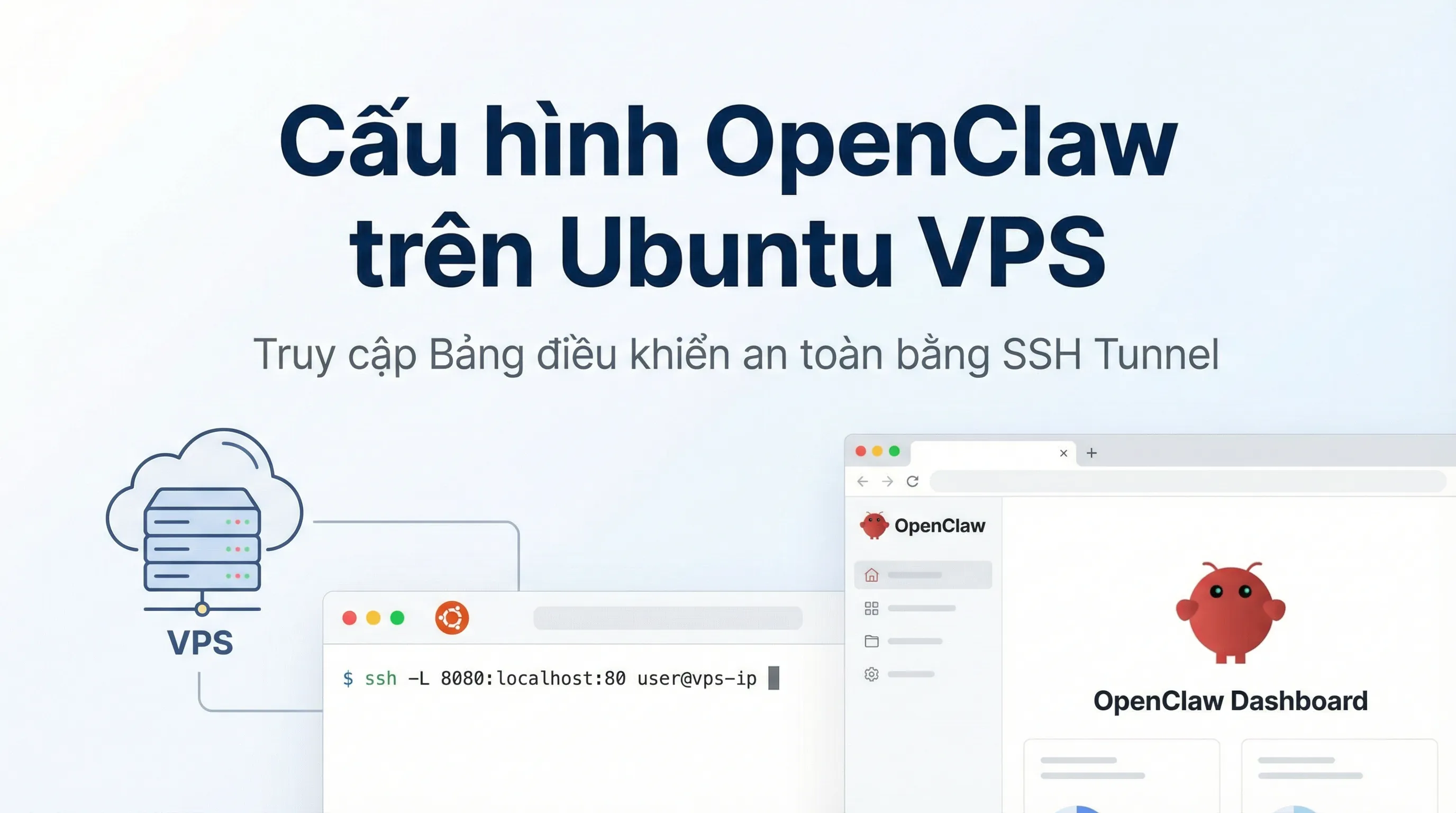
How to Install OpenClaw on Ubuntu VPS: Configuration & Dashboard Access
A step-by-step guide to installing OpenClaw on Ubuntu VPS. Learn how to handle headless authentication and access the Dashboard securely via SSH Tunneling.

Best Budget AI IDEs in 2026: VS Code + Copilot, Cursor, Windsurf, Zed, Replit, Codex and More
A practical roundup of budget-friendly AI IDEs in 2026: features, pricing, pros/cons, and quick recommendations for solo devs, teams, and learners.

LobeHub Explained: Centralized AI Management & Multi-Model Workflows
LobeHub is an open-source AI workspace that centralizes multiple models, agents, and plugins to build scalable, automated AI workflows.
What Is ClawdBot? A Personal Multi-Platform AI Assistant & Self-Hosting Guide
ClawdBot is an open-source AI Agent running on Telegram, Discord, and Web. A complete guide to deploying ClawdBot on Raspberry Pi, Proxmox, and VPS.