
LobeHub Explained: Centralized AI Management & Multi-Model Workflows
LobeHub is an open-source AI workspace that centralizes multiple models, agents, and plugins to build scalable, automated AI workflows.
LobeHub Explained: A Centralized AI Workspace for Modern Workflows
LobeHub is an open-source AI workspace designed to centralize, orchestrate, and automate AI usage across multiple models and tasks. Instead of switching between ChatGPT, Claude, Gemini, or local models, LobeHub provides one unified interface where all AI capabilities work together.
- LobeHub is not just a chat UI — it is an
- AI orchestration platform
- built for scalable workflows.
Why LobeHub is needed in real-world AI usage
As AI adoption grows, advanced users often face:
- Fragmented tools and platforms
- Manual copy–paste between AI services
- Inconsistent prompt logic
- Limited reuse of workflows
- High subscription costs across providers
LobeHub addresses these challenges by enabling model abstraction, agent coordination, and workflow automation in a single system.
High-level architecture of LobeHub
LobeHub is built around four core layers:
- Model Layer – connects to multiple AI providers
- Agent Layer – role-based AI agents
- Plugin / MCP Layer – external tools and actions
- Workflow Layer – task orchestration and automation
This architecture allows LobeHub to function as an AI control plane, not just a frontend.
Multi-model AI support
LobeHub supports a wide range of AI models:
- OpenAI (GPT series)
- Anthropic (Claude)
- Google (Gemini)
- Groq (high-speed inference)
- Ollama (local LLMs)
- Open-source models via API or local runtime
Example: configuring an OpenAI provider
{
  "provider": "openai",
  "apiKey": "YOUR_API_KEY",
  "defaultModel": "gpt-4.1"
}
Different models can be assigned to different agents based on cost, speed, or reasoning depth.
AI Agents: role-based intelligence
Agents are the core building blocks of LobeHub. Each agent has a specific role, system prompt, and preferred model.
Common agent roles
- Research Agent – collects and summarizes data
- Writer Agent – generates structured content
- Reviewer Agent – validates accuracy and logic
- Coder Agent – writes and refactors code
- Supervisor Agent – coordinates agent execution
Example agent definition
{
  "name": "Writer Agent",
  "model": "gpt-4.1",
  "systemPrompt": "You are a technical writer producing clear, accurate documentation."
}- Agents can call each other, enabling
- multi-step reasoning pipelines
- .
Workflow automation with LobeHub
LobeHub allows users to define repeatable AI workflows that execute agents in sequence or parallel.
Example workflow definition
workflow:
  - agent: research
    task: "Collect and summarize latest AI trends"
  - agent: writer
    task: "Write a technical article based on research"
  - agent: reviewer
    task: "Review for accuracy and clarity"
Benefits of workflow-based AI:
- Consistency across tasks
- Reusability
- Reduced manual intervention
- Faster execution
Plugins and MCP: turning AI into action
LobeHub integrates Model Context Protocol (MCP), allowing agents to interact with real-world tools:
- Web search (real-time data)
- API calls
- Code execution
- File system access
- Browser automation
Example MCP plugin configuration
{
  "plugin": "web-search",
  "permissions": ["internet", "fetch"]
}
Always review plugin permissions before enabling them in production workflows.
Practical use cases
AI-powered content production
- Research Agent gathers sources
- Writer Agent drafts content
- Reviewer Agent validates accuracy
Result: 3–5× faster publishing with higher consistency.
Developer & product workflows
- Code generation agent
- Code review agent
- Documentation agent
Result: Faster prototyping and reduced engineering overhead.
Who should use LobeHub?
LobeHub is ideal for:
- Developers and engineers
- AI researchers
- Content teams
- Startups building AI-powered products
- Organizations standardizing AI workflows
Final thoughts
LobeHub represents a shift from isolated AI usage toward structured, automated, and scalable AI workflows. By combining multiple models, intelligent agents, plugins, and workflows, it enables teams to treat AI as infrastructure, not just a tool.
As AI workflows grow more complex, platforms like LobeHub will become essential components of modern productivity stacks.
Related Products

Related Posts
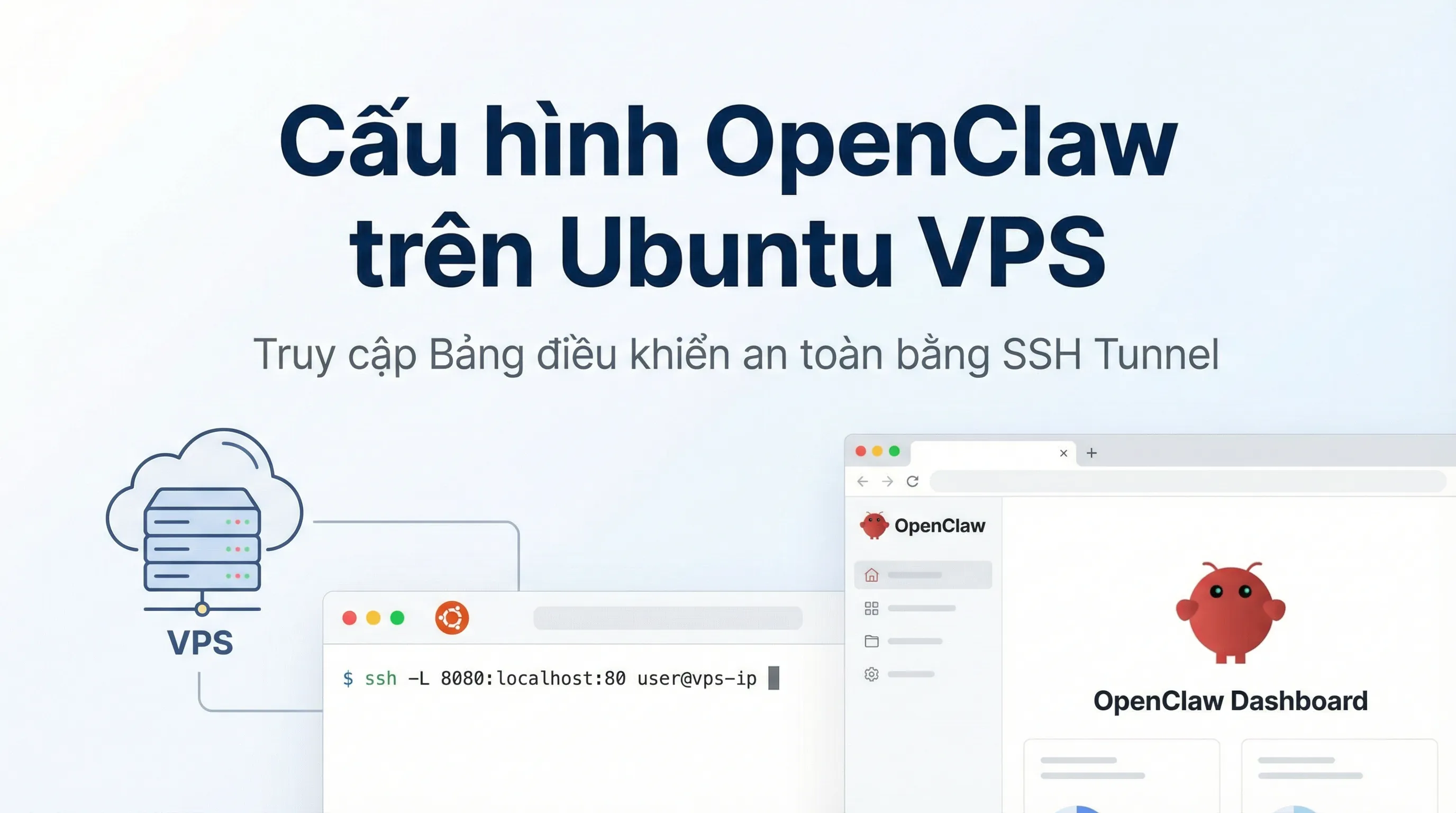
How to Install OpenClaw on Ubuntu VPS: Configuration & Dashboard Access
A step-by-step guide to installing OpenClaw on Ubuntu VPS. Learn how to handle headless authentication and access the Dashboard securely via SSH Tunneling.

Best Budget AI IDEs in 2026: VS Code + Copilot, Cursor, Windsurf, Zed, Replit, Codex and More
A practical roundup of budget-friendly AI IDEs in 2026: features, pricing, pros/cons, and quick recommendations for solo devs, teams, and learners.

Google Stitch Explained: AI Tool Turning Ideas into Interactive UI/UX & Code
Google Stitch is an AI-powered tool from Google Labs that transforms text or sketches into interactive UI/UX designs and production-ready code.
What Is ClawdBot? A Personal Multi-Platform AI Assistant & Self-Hosting Guide
ClawdBot is an open-source AI Agent running on Telegram, Discord, and Web. A complete guide to deploying ClawdBot on Raspberry Pi, Proxmox, and VPS.