
What Is ClawdBot? A Personal Multi-Platform AI Assistant & Self-Hosting Guide
ClawdBot is an open-source AI Agent running on Telegram, Discord, and Web. A complete guide to deploying ClawdBot on Raspberry Pi, Proxmox, and VPS.
What Is ClawdBot? A Personal Multi-Platform AI Assistant
ClawdBot is an open-source AI Agent designed to work as a personal AI assistant across multiple platforms such as Telegram, Discord, Web UI, and CLI, with the key advantage of being 100% self-hosted on your own infrastructure.
Unlike SaaS AI tools like ChatGPT, ClawdBot allows you to:
- Fully control your data
- Connect multiple AI models (OpenAI, local LLMs, etc.)
- Customize workflows for personal or business use
ClawdBot open-source multi-platform AI Agent
How Does ClawdBot Work?
ClawdBot is built on an AI Agent + Tooling architecture, enabling the AI to:
- Receive user commands
- Call tools and APIs
- Maintain contextual memory
- Execute automated multi-step actions
- ClawdBot is
- not just a chatbot
- , but a
- true autonomous AI Agent
- .
High-Level Architecture
User → Platform (Telegram / Discord / Web)
     → ClawdBot Core
     → AI Model (OpenAI / Local LLM)
     → Tools (API, Script, System)
Platforms Supported by ClawdBot
| Platform | Status | Notes |
|---|---|---|
| Telegram | ✅ Stable | Most popular |
| Discord | ✅ Stable | Community-friendly |
| Web UI | ⚠️ Configurable | Self-hosted |
| CLI | ✅ Available | Developer-focused |
Official ClawdBot Website
Why Should You Self-Host ClawdBot?
- If you already have a
- VPS, Mini PC, Raspberry Pi, or Proxmox
- , ClawdBot is a perfect AI Agent to deploy.
Benefits of Self-Hosting
- 🔐 Full data privacy
- ⚡ Stable performance
- 🧠 Highly customizable AI logic
- 💸 No recurring SaaS dependency
How to Install ClawdBot on Raspberry Pi (ARM64)
ClawdBot runs efficiently on Raspberry Pi 4/5 ARM64, making it ideal for a home AI Agent setup.
System Requirements
- Raspberry Pi ARM64
- Ubuntu Server 22.04
- Docker & Docker Compose
- AI API Key (OpenAI or compatible)
Basic Installation Steps
sudo apt update && sudo apt upgrade -y
sudo apt install docker docker-compose -y
git clone https://github.com/clawd-ai/clawd-bot.git
cd clawd-bot
docker-compose up -d- After deployment, simply configure your
- Telegram or Discord bot token
- to start using ClawdBot.
Running ClawdBot AI Agent on Proxmox
If you are using Proxmox VE, ClawdBot can be deployed in:
- LXC containers
- Ubuntu Server virtual machines
Recommended Setup
| Component | Recommendation |
|---|---|
| OS | Ubuntu Server 22.04 |
| RAM | 2GB – 4GB |
| CPU | 2 Cores |
| Storage | 20GB |
- Proxmox is ideal for
- scaling multiple AI Agents simultaneously
- .
Who Is ClawdBot For?
- 👨💻 Developers seeking automation
- 🧠 AI enthusiasts building personal agents
- 🏢 Small businesses needing internal assistants
- 🔐 Privacy-focused users
ClawdBot vs ChatGPT
| Criteria | ClawdBot | ChatGPT |
|---|---|---|
| Self-hosted | ✅ | ❌ |
| Data control | ✅ | ❌ |
| Customization | Very high | Limited |
| Learning curve | Medium | Easy |
| Long-term cost | Low | High |
Final Thoughts
ClawdBot represents a strong step forward in the personalized AI Agent movement. If you already own:
- A VPS
- A Proxmox server
- A Raspberry Pi
then deploying ClawdBot allows you to own a private, powerful, and flexible AI assistant.
ClawdBot requires basic Linux and Docker knowledge. Beginners should test it in a sandbox environment first.
Related Products


Related Posts
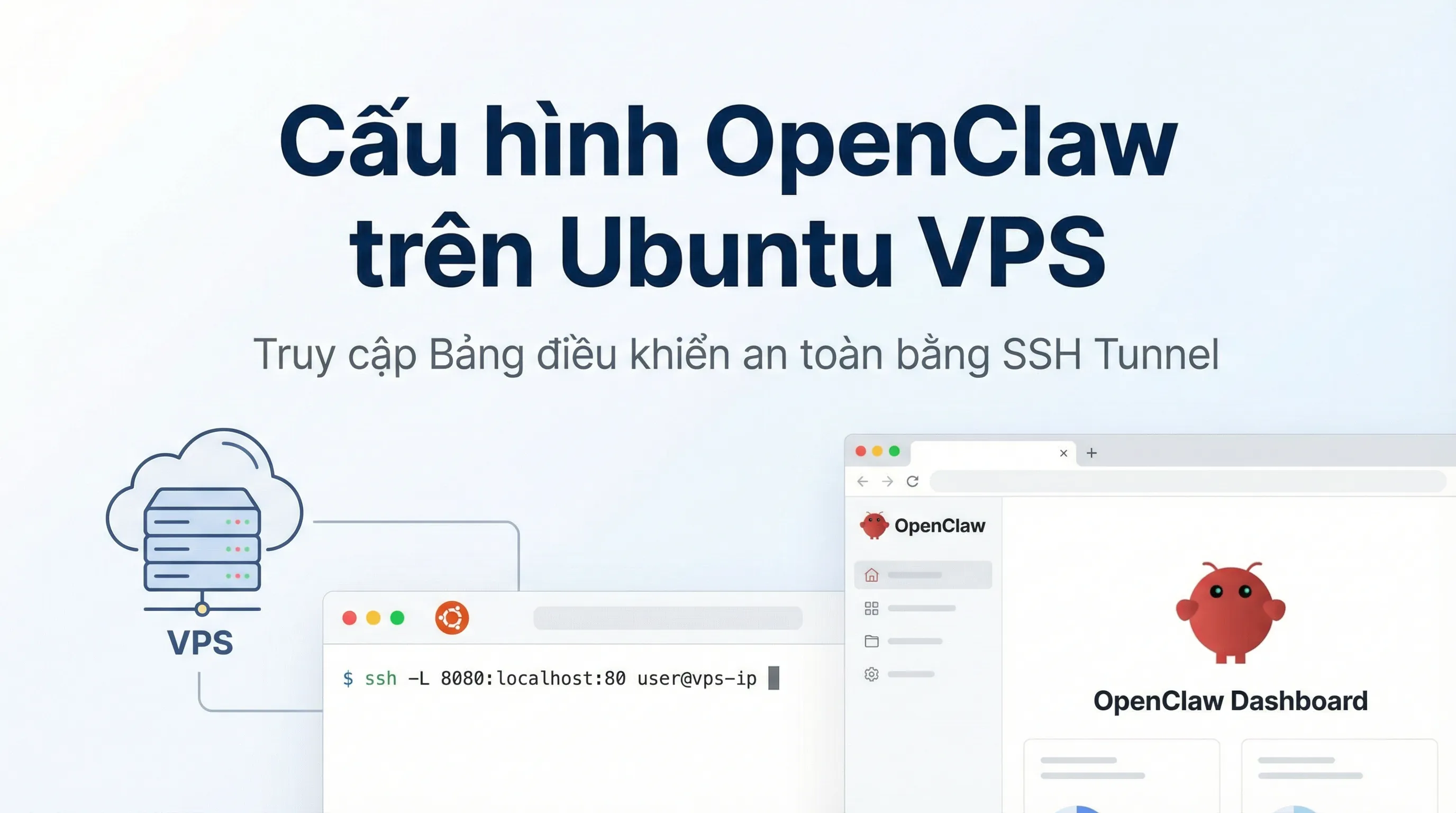
How to Install OpenClaw on Ubuntu VPS: Configuration & Dashboard Access
A step-by-step guide to installing OpenClaw on Ubuntu VPS. Learn how to handle headless authentication and access the Dashboard securely via SSH Tunneling.

Best Budget AI IDEs in 2026: VS Code + Copilot, Cursor, Windsurf, Zed, Replit, Codex and More
A practical roundup of budget-friendly AI IDEs in 2026: features, pricing, pros/cons, and quick recommendations for solo devs, teams, and learners.

LobeHub Explained: Centralized AI Management & Multi-Model Workflows
LobeHub is an open-source AI workspace that centralizes multiple models, agents, and plugins to build scalable, automated AI workflows.
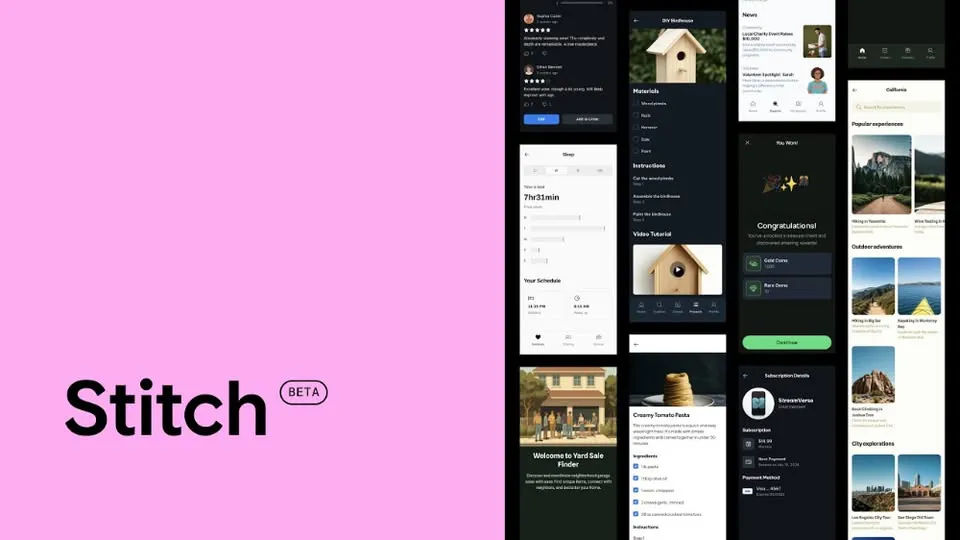
Google Stitch Explained: AI Tool Turning Ideas into Interactive UI/UX & Code
Google Stitch is an AI-powered tool from Google Labs that transforms text or sketches into interactive UI/UX designs and production-ready code.