
How to Watch Football on Mobile Using MonPlayer (Android & iOS)
Step-by-step guide on how to watch live football matches on Android and iOS free. Lightweight IPTV player, easy to use, supports M3U and HLS streams.
🧰 What You Need Before Watching
Make sure you have:
- ✅ An Android phone or iPhone
- ✅ The MonPlayer application
- ✅ A football streaming link (IPTV / Network Stream)
- ✅ A stable Internet connection (WiFi or 4G/5G)
📥 Download MonPlayer App
-
🤖 Android:
https://play.google.com/store/apps/details?id=org.monplayer.mpapp&hl=vi -
🍎 iOS (iPhone):
https://apps.apple.com/vn/app/monplayer/id6590610364?l=vi
🧭 Step 1: Open MonPlayer and Enter the Stream Link
Open MonPlayer on your mobile device.
On the main screen:
- Tap Add Stream or Add Playlist
- Paste your IPTV / Network Stream link into the input field
Example playlist link:
https://raw.githubusercontent.com/vuminhthanh12/vuminhthanh12/refs/heads/main/vmttvConfirm to let MonPlayer load the playlist.
Step 1 - Enter stream link
📂 Step 2: Select Folder / Playlist
After the link is loaded, MonPlayer will display available folders or channel lists from the playlist.
- Select the folder that contains football channels
- Tap to open the channel list
Step 2 - Select playlist folder
📺 Step 3: Choose a Channel and Start Watching
Inside the selected folder:
- Find the channel broadcasting the match
- Tap the channel to Play and start watching
Step 3 - Select football channel
💡 Tips for Smooth Streaming on MonPlayer
- 🔹 Use strong WiFi or 5G for better stability
- 🔹 If buffering occurs, close the app and reload the stream
- 🔹 Some links only work during live match time
- 🔹 Lower screen brightness to save battery during long matches
⚠️ Important Notice
- IPTV links found online may change or stop working at any time
- Always prioritize official and legal streaming sources when available
- This article is for technical guidance only
✅ Conclusion
With MonPlayer, watching football on Android and iOS is fast, lightweight, and convenient. As long as you have a compatible stream link, you can follow live matches anytime and anywhere.
⚽ Enjoy the match and support your favorite team!
CRE : Ân Windy
Tags:
#AFCU23AsianCup #VLC #WatchFootballOnline #IPTV #VLCMediaPlayer
Related Products



Related Posts
How to Get 1 Month Super Duolingo Free Trial (2026 Guide)
Get 1 month Super Duolingo free with the official free trial and unlock unlimited hearts, no ads, and premium learning features. Follow this quick guide to activate the trial and avoid being charged.
Viettel Offers Free Reward Points for Tet 2026 – How to Receive Lucky Money on TV360
To celebrate Tet 2026, Viettel is offering free reward points (New Year lucky money) to users via the TV360 app. With just a few simple steps—logging in and tapping to receive—you can instantly get reward points to use across the Viettel ecosystem.

Vinaphone Offers 2026MB Free Mobile Data for the New Year – How to Register
Vinaphone has launched a New Year promotion offering 2026MB of free mobile data for eligible subscribers. Users can manually register via SMS or through the MyVNPT app or website to use the free data within the specified validity period.
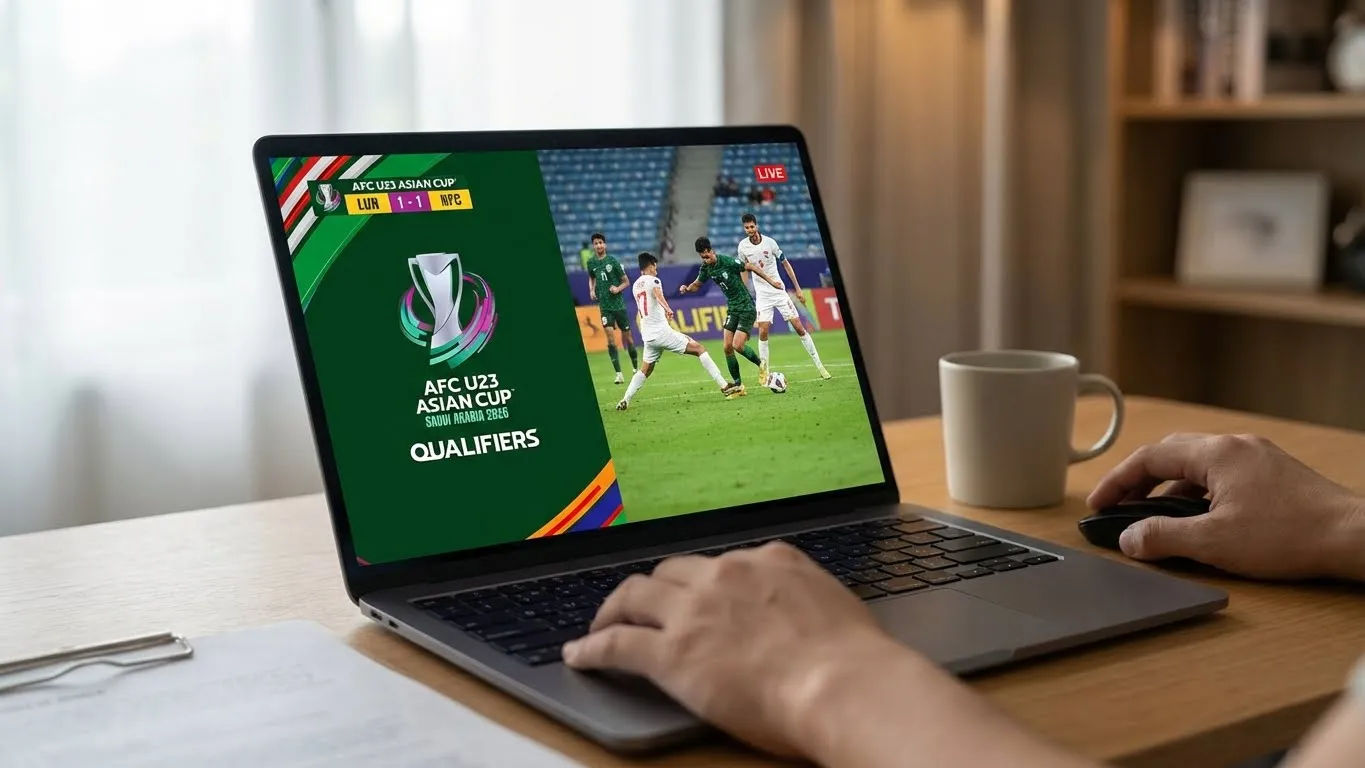
How to Watch AFC U23 Asian Cup Matches Using VLC Media Player (Free IPTV Guide)
Watch AFC U23 Asian Cup matches directly on your computer using VLC Media Player . A simple, ad-free, and flexible guide for football fans.